

Trading perpetual futures has become a cornerstone of the modern DeFi landscape, but accessibility and self-custody have historically been pain points for everyday users. The recent Hyperliquid MetaMask integration is a game-changer, allowing you to trade perpetuals directly within your MetaMask wallet, no centralized exchange account or risky custodial solutions required. Let’s break down how this works, why it matters, and what you need to know before making your first on-chain perps trade in MetaMask.
Why Trade Perpetuals in MetaMask? The Shift Toward Self-Custody
Perpetual DEXs have always promised transparency and user control, but until now, most required connecting to external platforms or complex bridges. With the Hyperliquid integration, you can access decentralized perpetual swaps directly from your wallet interface. This means:
- No more toggling between apps or browser tabs
- Full control of your keys and assets at every step
- Gasless transactions: Hyperliquid absorbs network fees for a seamless trading experience
- Mobile-optimized trading: Execute trades on the go without sacrificing security
This integration marks a new era for those who value both advanced derivatives strategies and uncompromising self-custody.
A Step-by-Step Guide: Trading Perpetuals with Hyperliquid in MetaMask
If you’re ready to explore on-chain perps trading from your wallet, here’s how to get started:
How to Trade Perpetual Futures on Hyperliquid via MetaMask
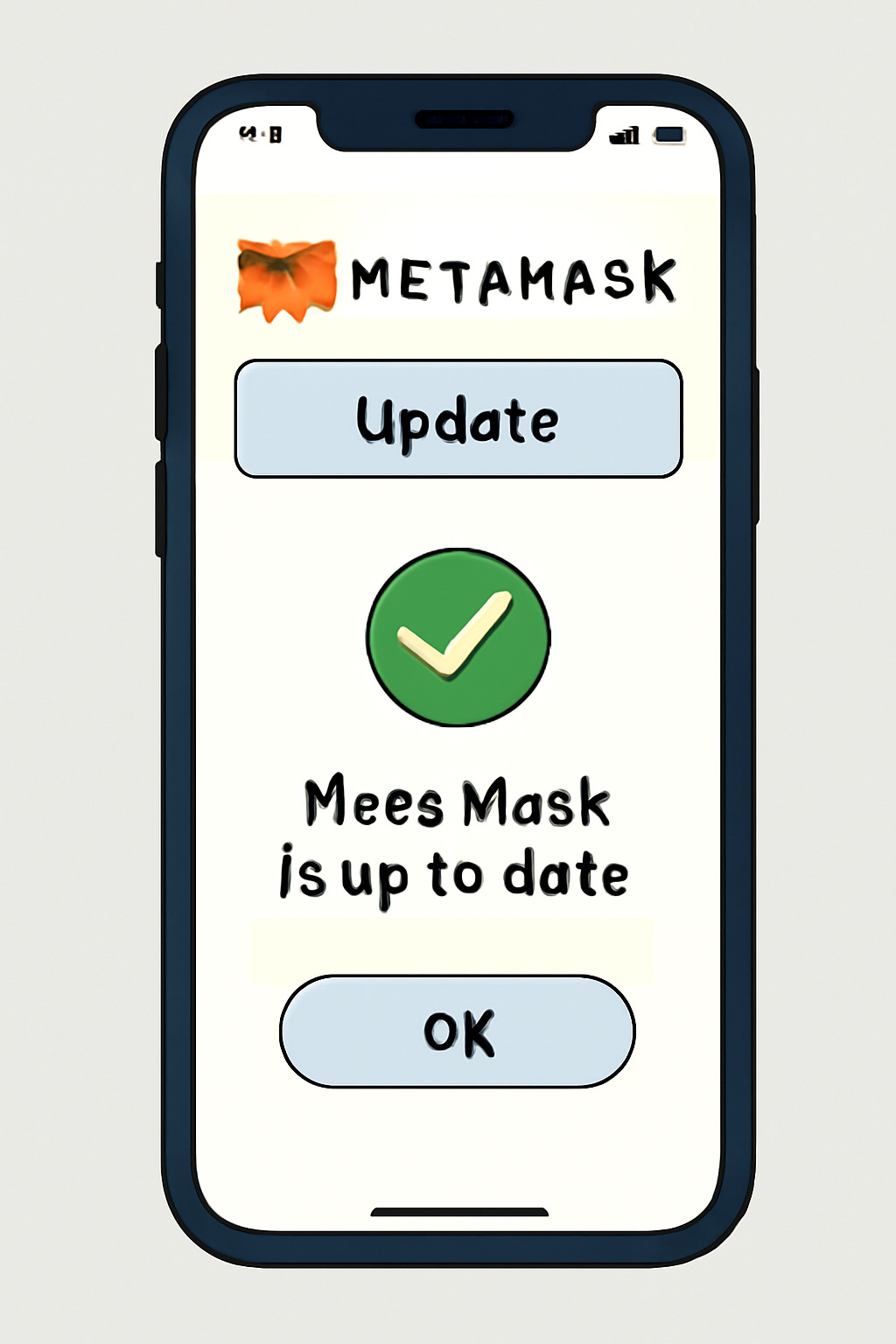
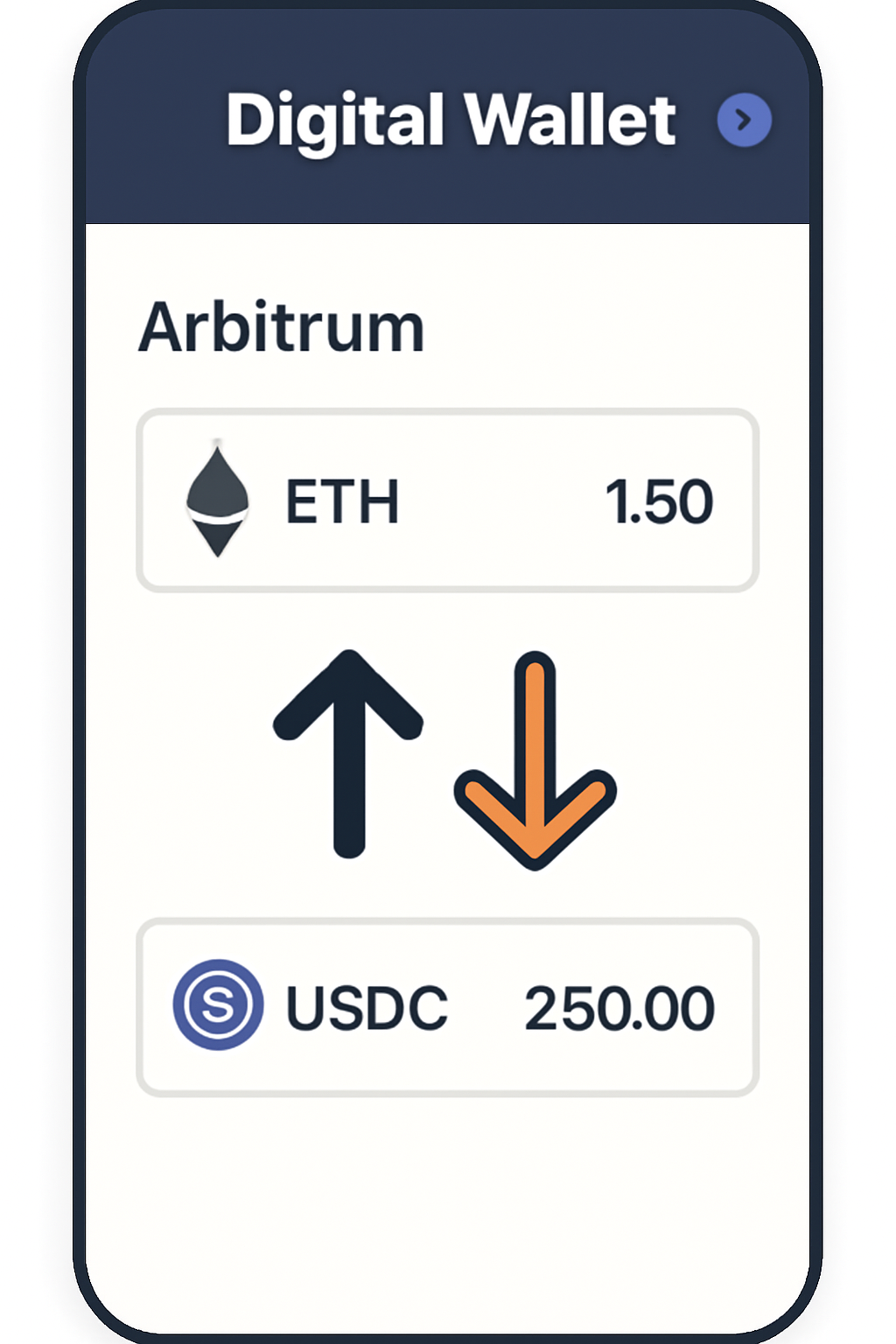
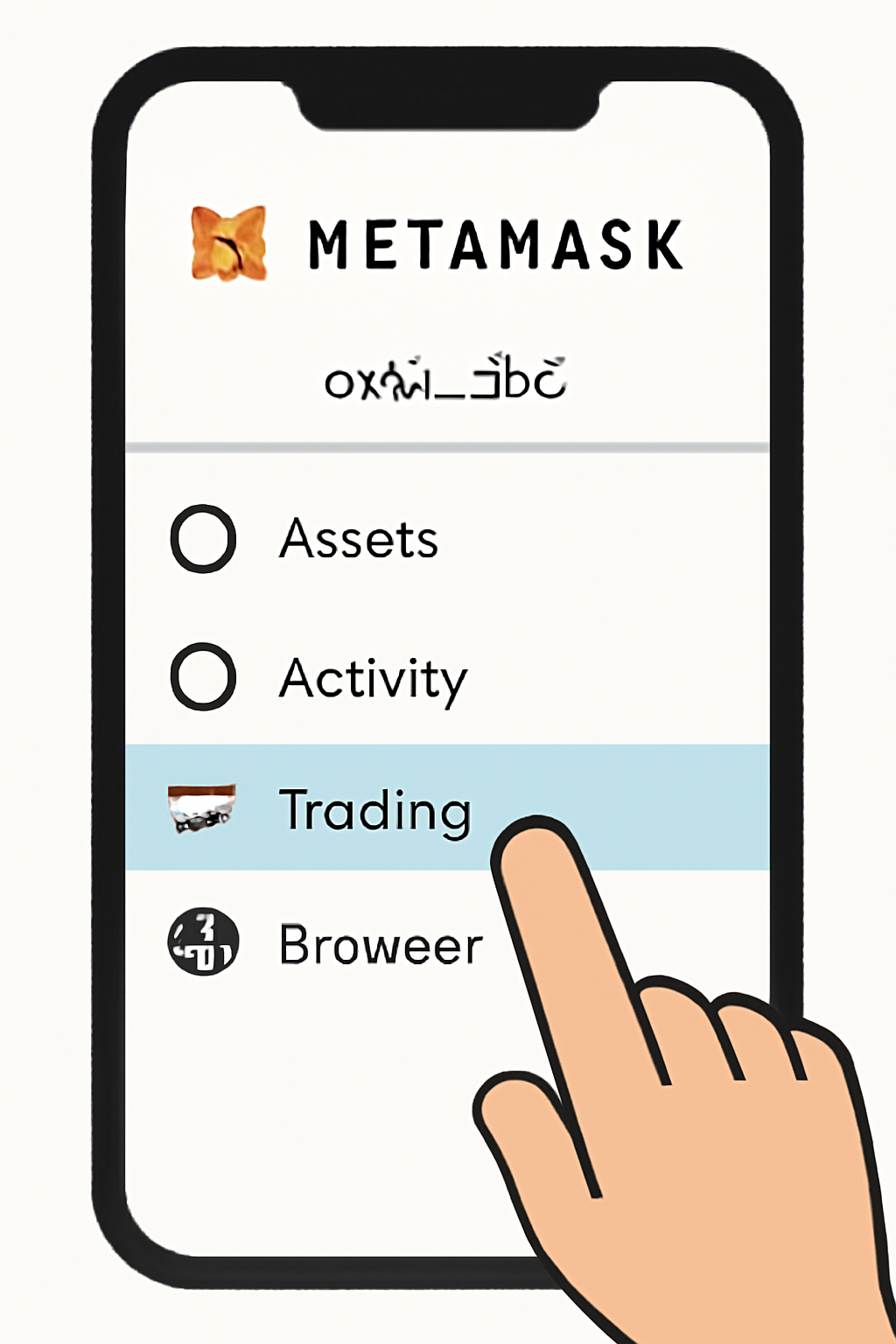
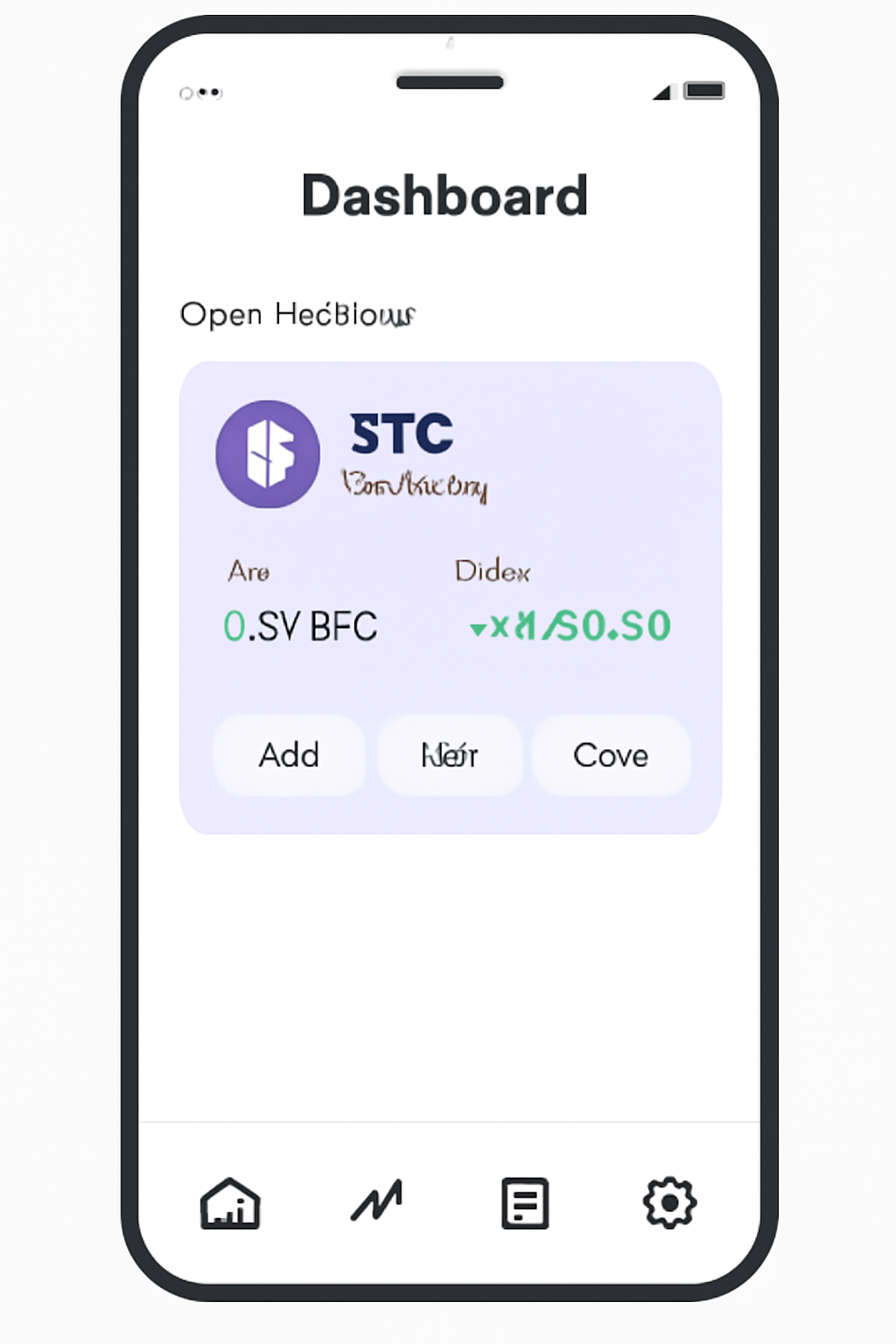
Let’s dive into each step:
- Update Your Wallet: Make sure your MetaMask app is current so the new trading features appear.
- Navigate to Trading: Open the app and head to the dedicated ‘Trading’ section.
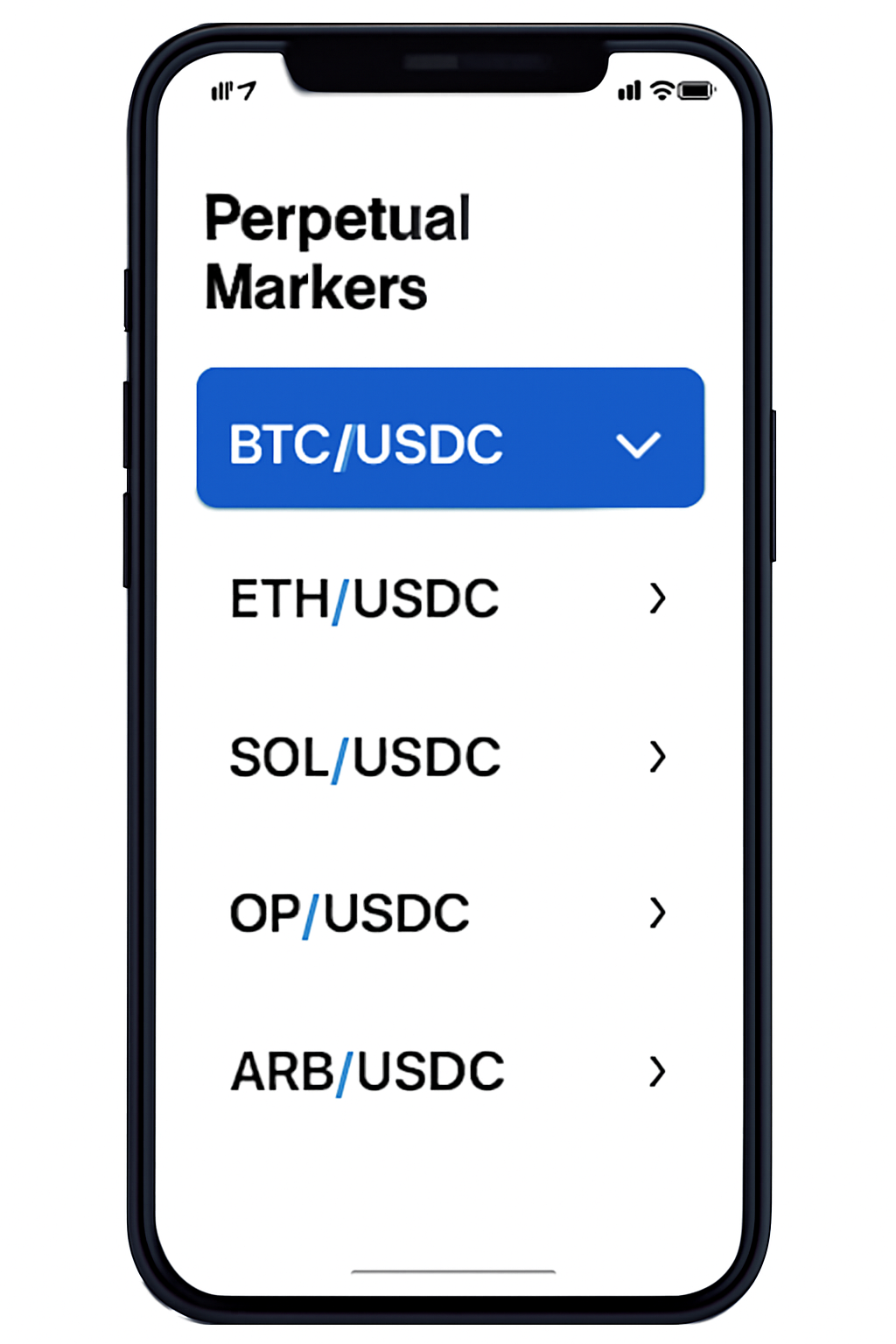
- Select Your Market: Choose from available perp markets (e. g. , ETH/USD), then pick your margin asset, typically USDC.
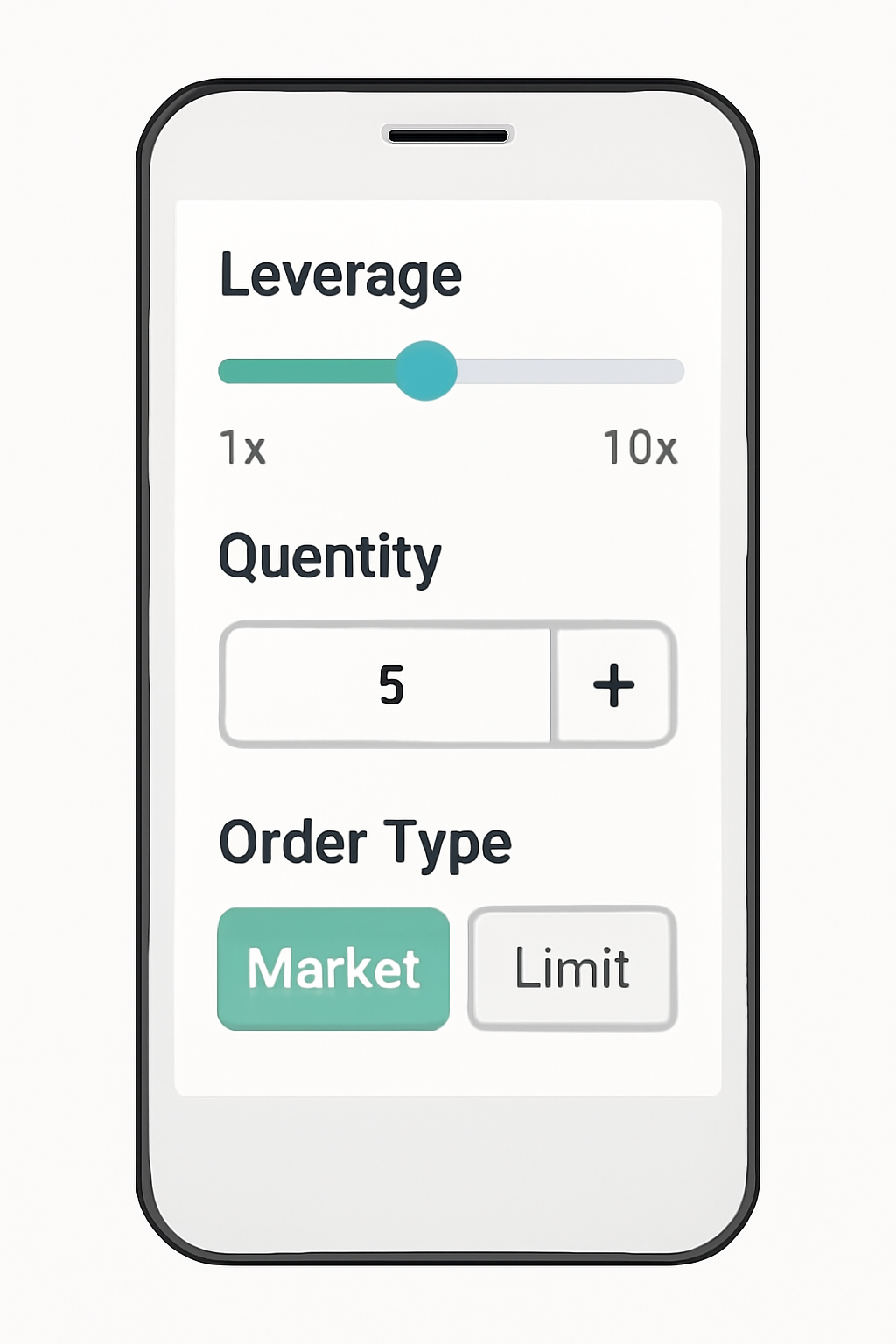
- Configure Your Trade: Set leverage (with caution), order type (market/limit), and quantity.
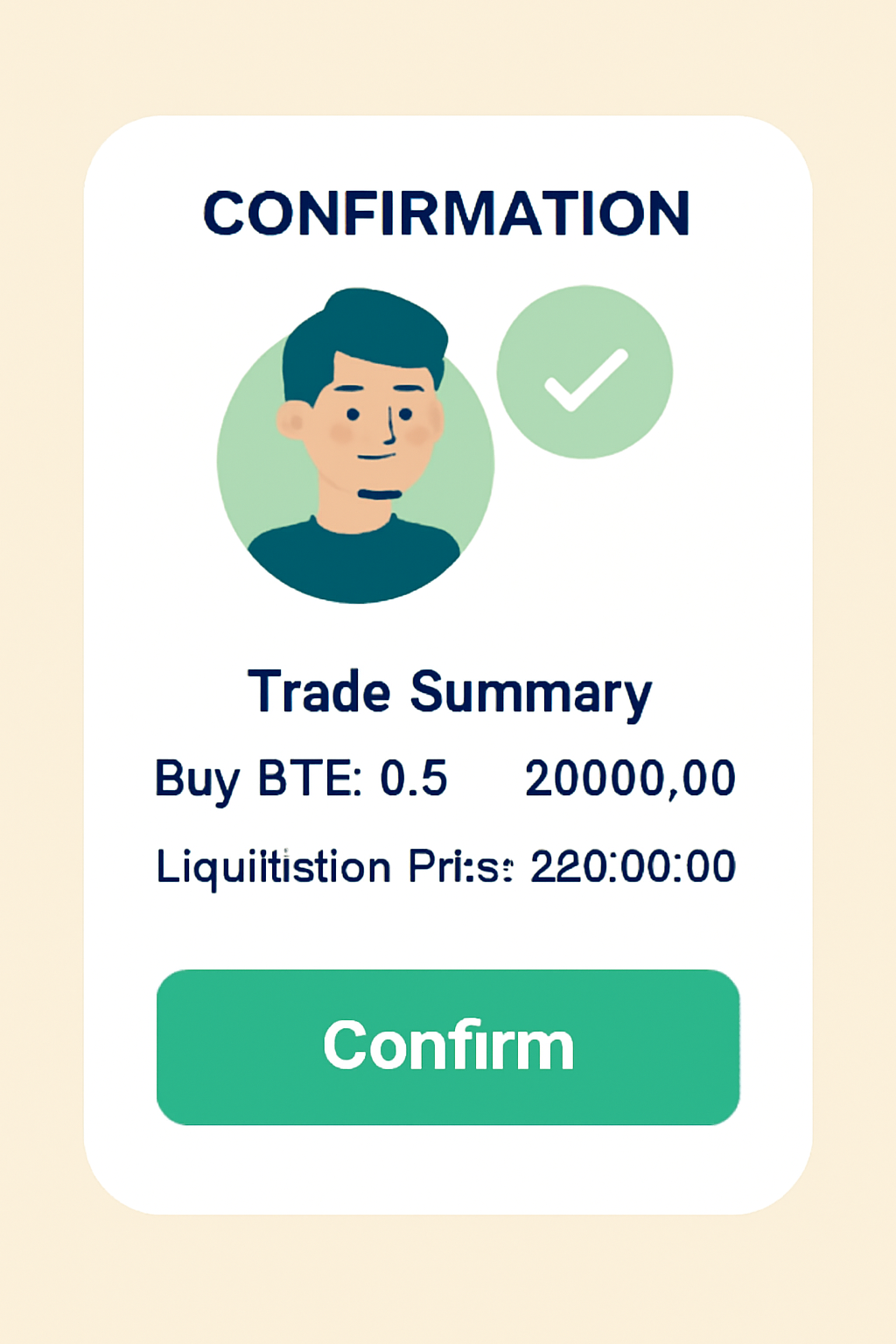
- Review Carefully: Double-check margin requirements, liquidation price estimates, and fee details.
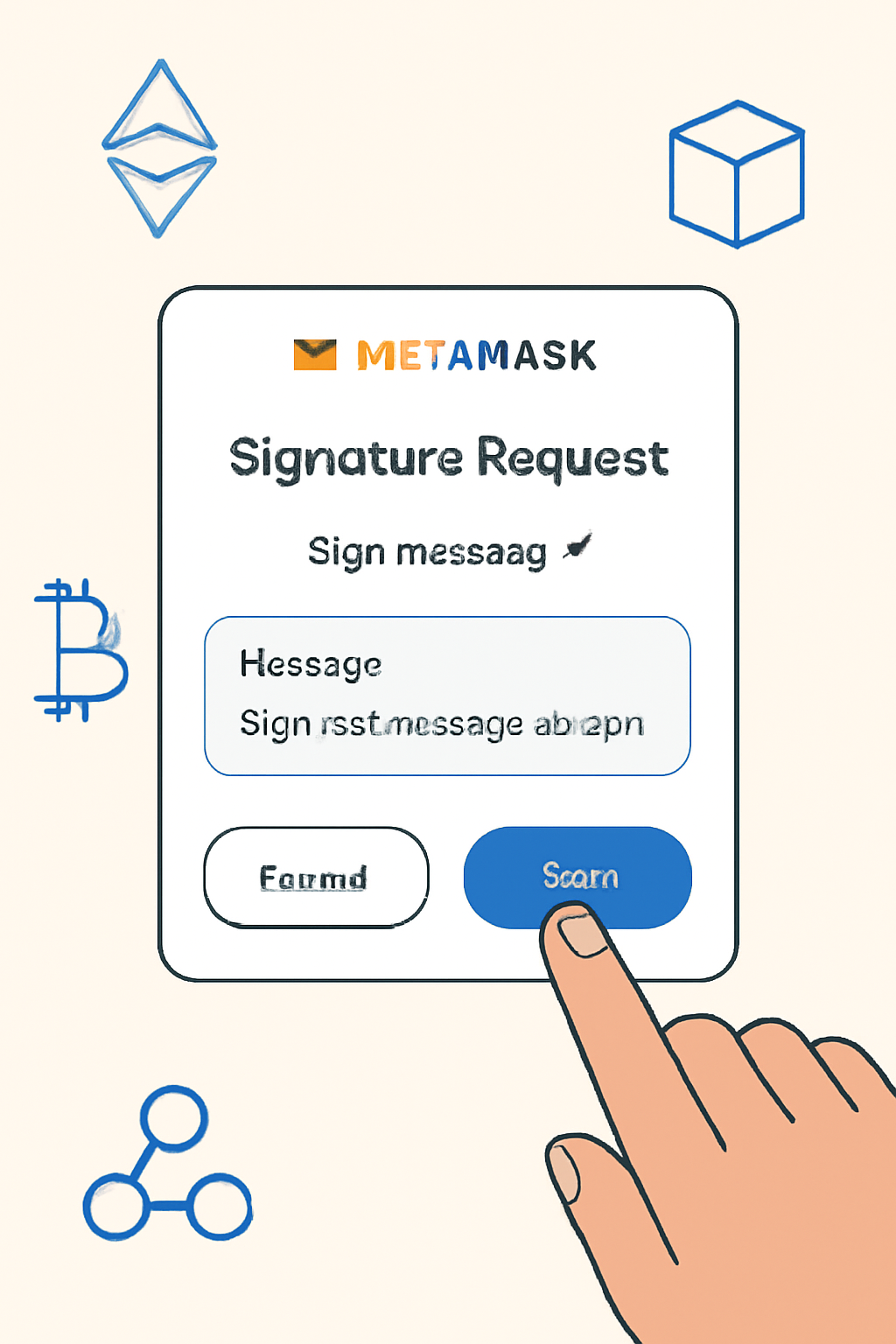
- Sign and Confirm: Authorize the transaction with your wallet signature. Hyperliquid settles trades transparently on-chain, no third-party custody needed.
This workflow empowers you to act quickly while maintaining full oversight of your capital at all times. For more details on setup and risk management tips, check out this comprehensive guide from Coin Bureau or visit the official help center at MetaMask.
The Mechanics Behind On-Chain Perpetual DEX Trading
The magic behind this seamless experience lies in Hyperliquid’s custom Layer 1 network model. Unlike traditional DEXs that rely heavily on Ethereum mainnet (and its sometimes high gas fees), Hyperliquid absorbs gas costs itself for eligible trades. This means you can execute positions without worrying about fluctuating transaction fees eating into your profits, a major win for active traders.
Key Benefits of Hyperliquid Layer 1 for In-Wallet Perps Trading
- Seamless On-Chain Trading: Hyperliquid's Layer 1 integration enables direct perpetuals trading within MetaMask, eliminating the need to leave your wallet or use external exchanges.
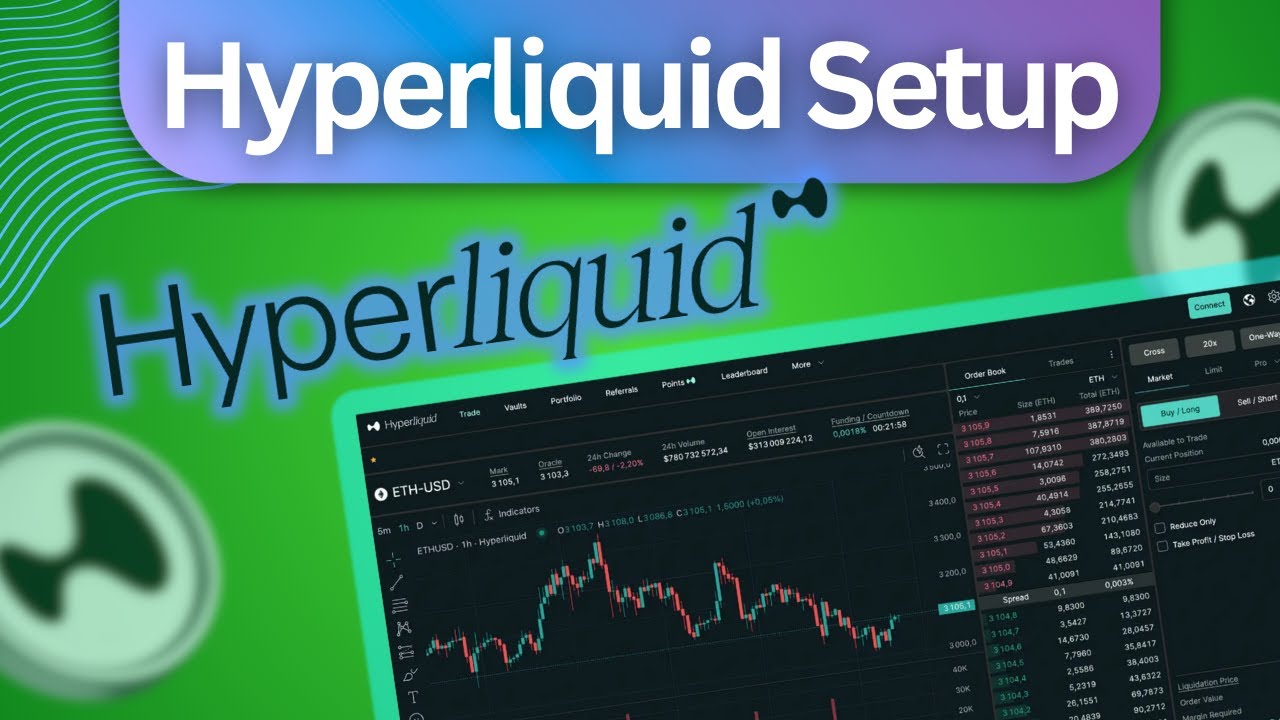
- Gasless Transactions: The network absorbs gas fees, so users can execute trades without worrying about fluctuating transaction costs, making trading more predictable and user-friendly.
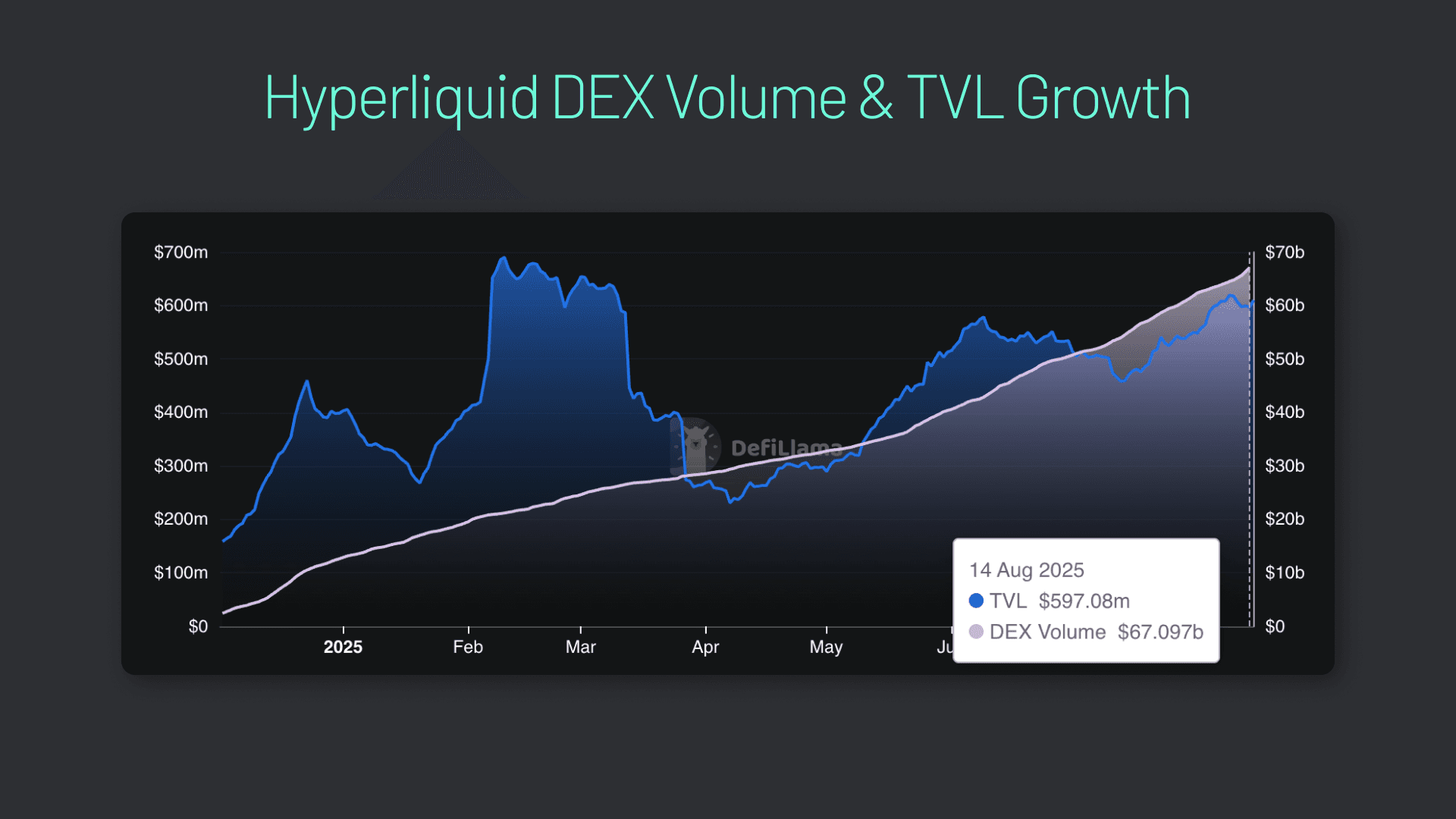
- Full Custody of Assets: Traders retain control over their private keys and funds at all times, reducing counterparty risk and enhancing security compared to centralized exchanges.

- Mobile-Optimized Experience: The integration is designed for mobile, allowing users to manage and execute trades on-the-go with the familiar MetaMask app interface.

- Transparent On-Chain Settlement: All trades are settled on Hyperliquid's Layer 1, providing verifiable, transparent transaction records and reducing settlement risk.
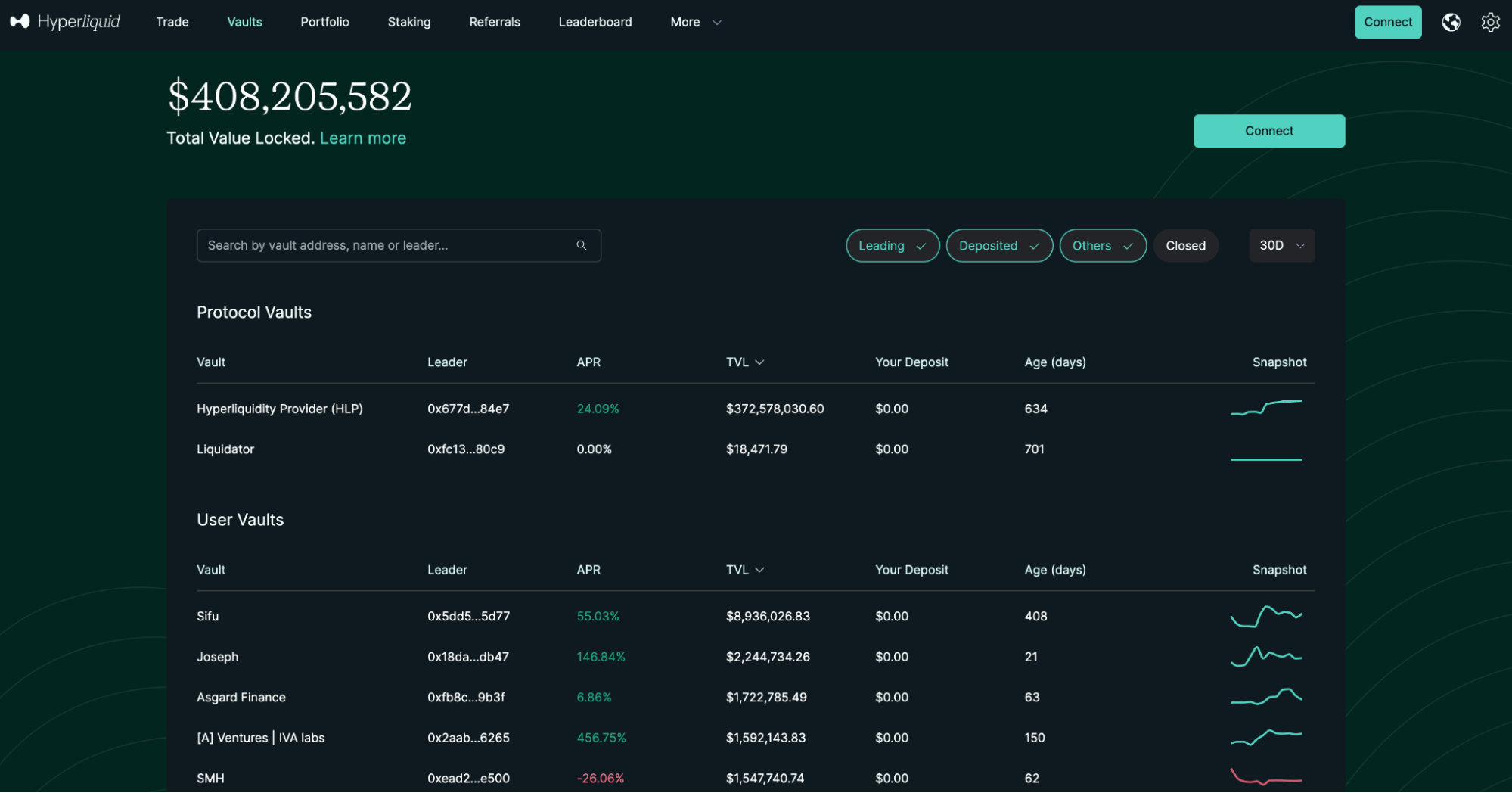
- Enhanced Liquidity and Market Access: By tapping into Hyperliquid's decentralized perpetuals exchange, users benefit from deep liquidity and a broad selection of trading pairs directly within their wallet.
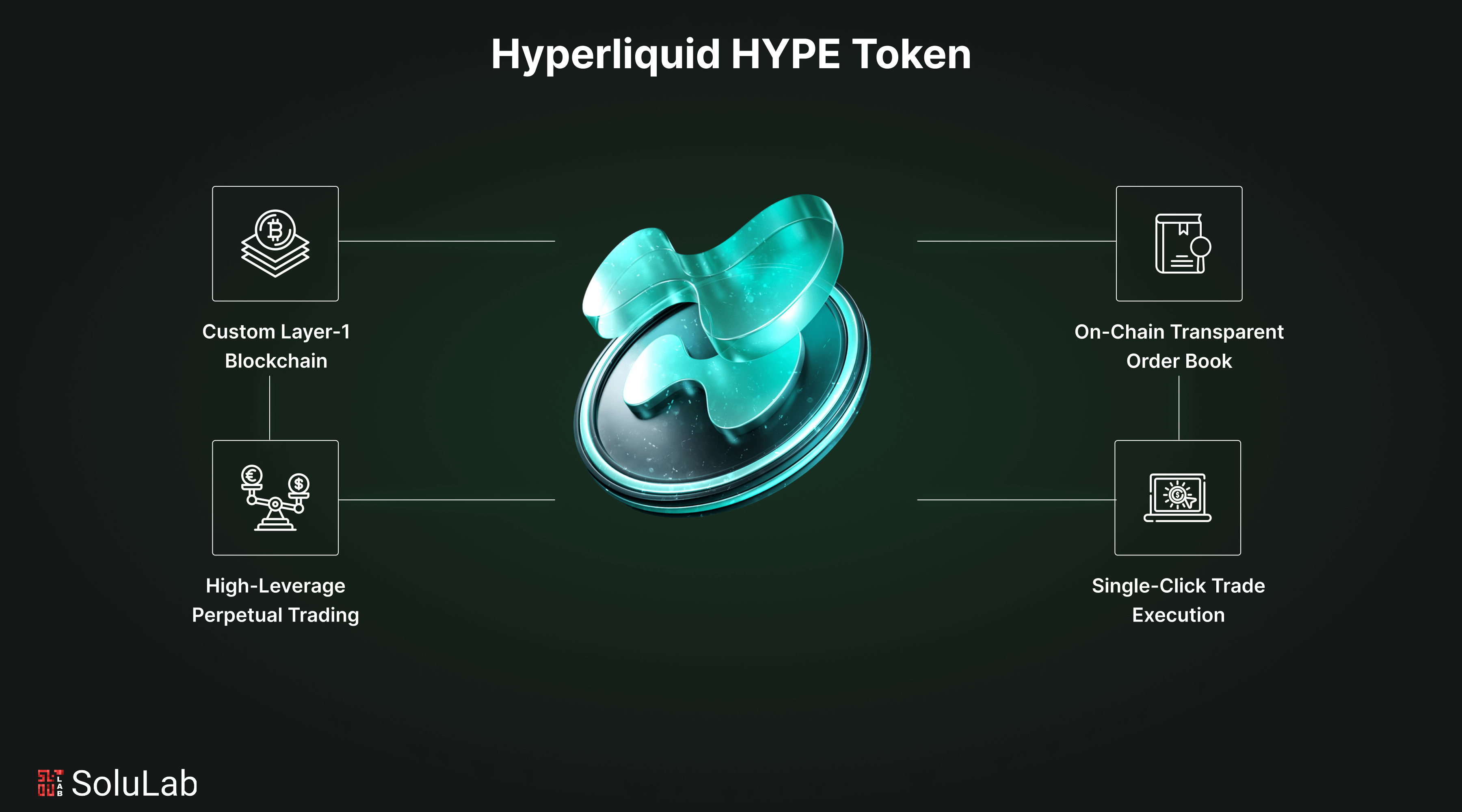
Your assets remain under self-custody at every stage. Trades are executed transparently with clear settlement proofs directly on-chain. For those seeking a blend of TradFi sophistication and DeFi autonomy, this approach offers an optimal balance between feature-rich functionality and robust security practices.
Practical Tips for Secure Perpetual Trading in MetaMask
While the Hyperliquid MetaMask integration makes on-chain perps trading accessible, it’s crucial to approach this new frontier with a solid risk management mindset. Here are some actionable strategies to help you stay safe and maximize your trading potential:
Actionable Tips for Secure Perpetual Trading in MetaMask
- Always update MetaMask to the latest version before trading. This ensures you have the newest security patches and access to Hyperliquid integration features.
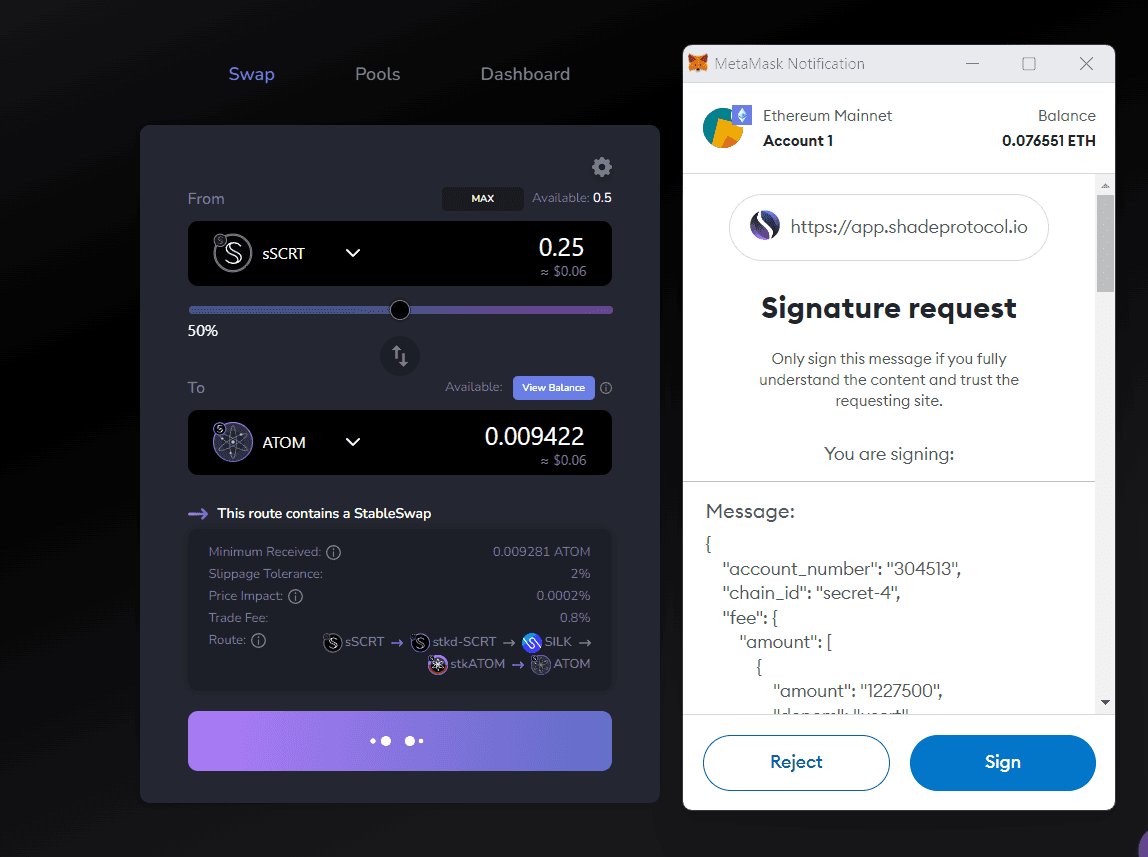
- Double-check you are on the official MetaMask app and only use verified URLs to avoid phishing scams. Bookmark MetaMask.io and never enter your Secret Recovery Phrase elsewhere.

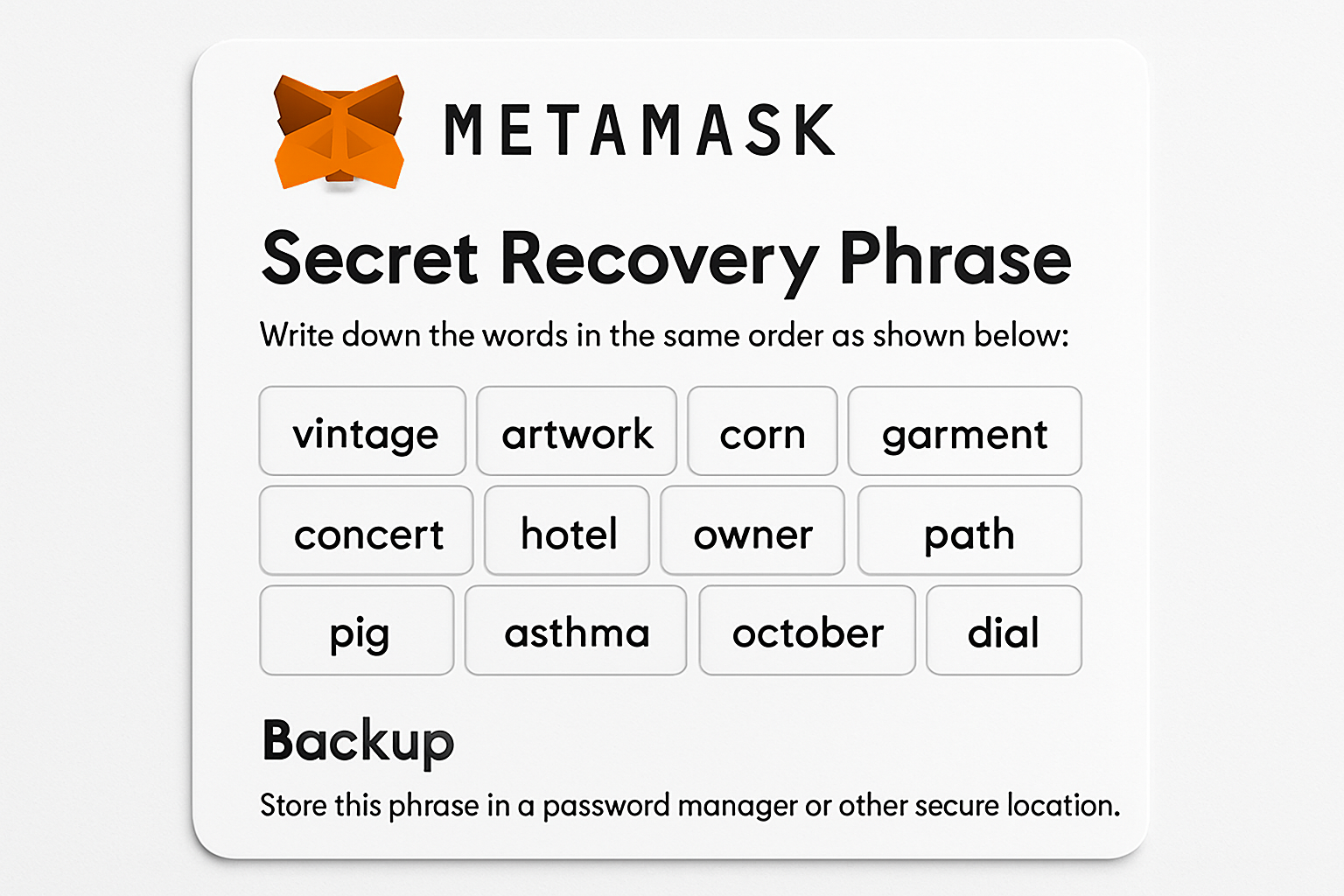
- Securely back up your Secret Recovery Phrase and store it offline in a safe location. Never share it with anyone or store it digitally where it could be compromised.
- Fund your wallet with sufficient USDC and ETH on the Arbitrum network. Keep a small amount of ETH for fees, even though Hyperliquid absorbs most gas costs.
- Carefully set leverage and order details when trading perpetuals. Use MetaMask's built-in calculator to understand potential liquidation prices and risks before confirming trades.
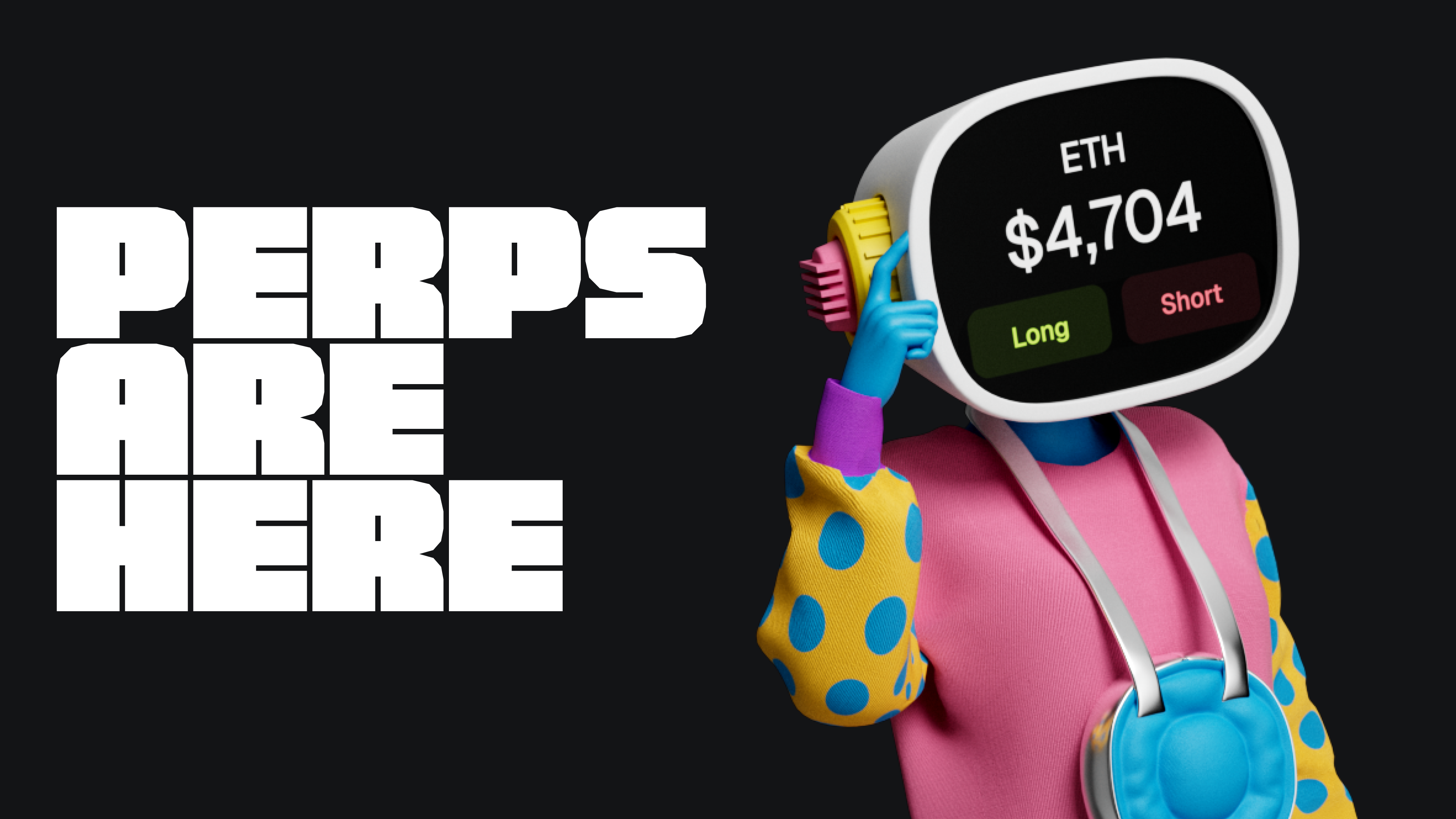
- Review all trade details and collateral requirements before signing any transaction. Confirm the estimated liquidation price and ensure you are comfortable with the risk.
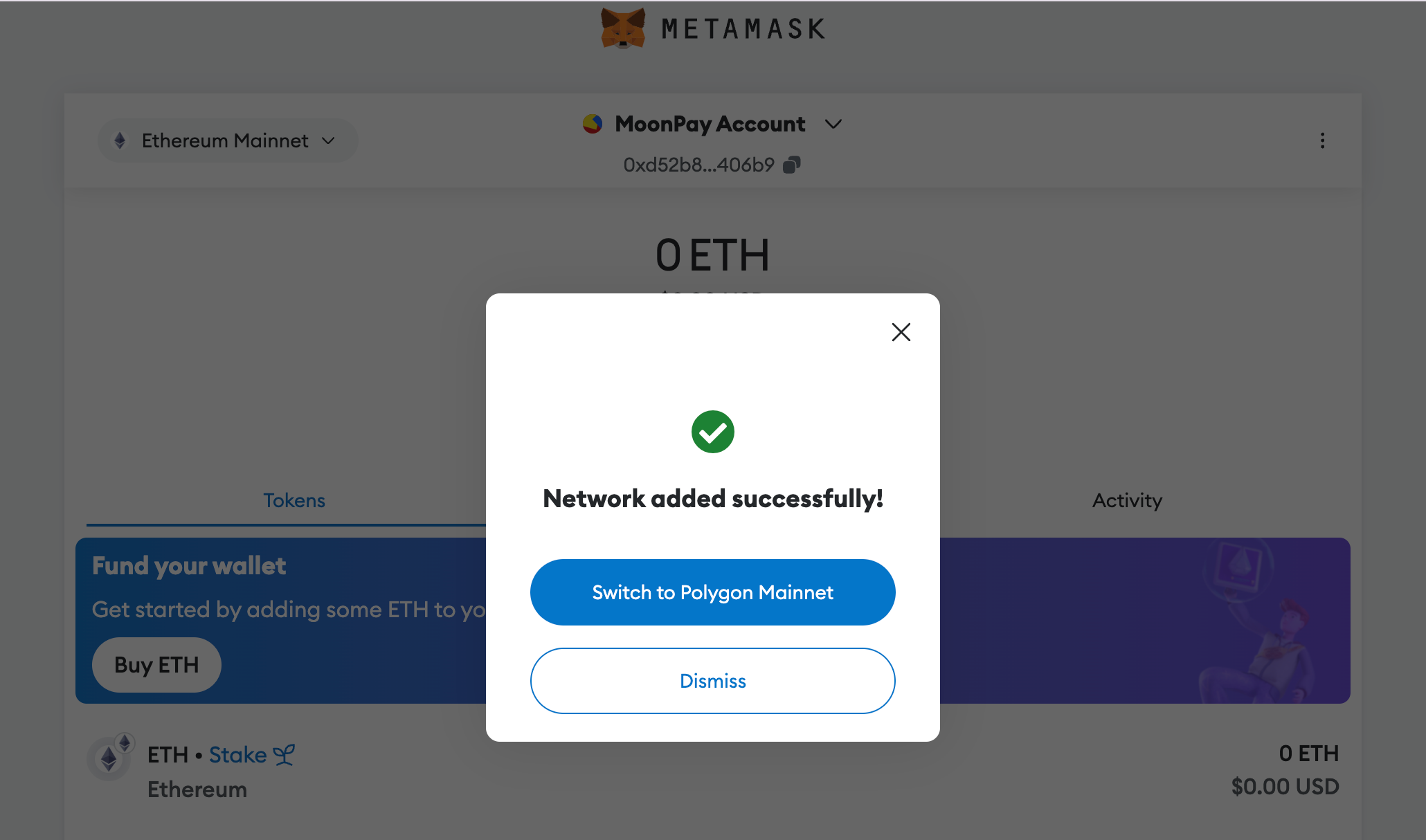
- Monitor your open positions regularly within MetaMask. Hyperliquid settles trades on-chain, so stay informed about market movements and manage your risk accordingly.

- Enable device security features such as biometric authentication or strong passwords on your mobile device to protect your MetaMask wallet from unauthorized access.
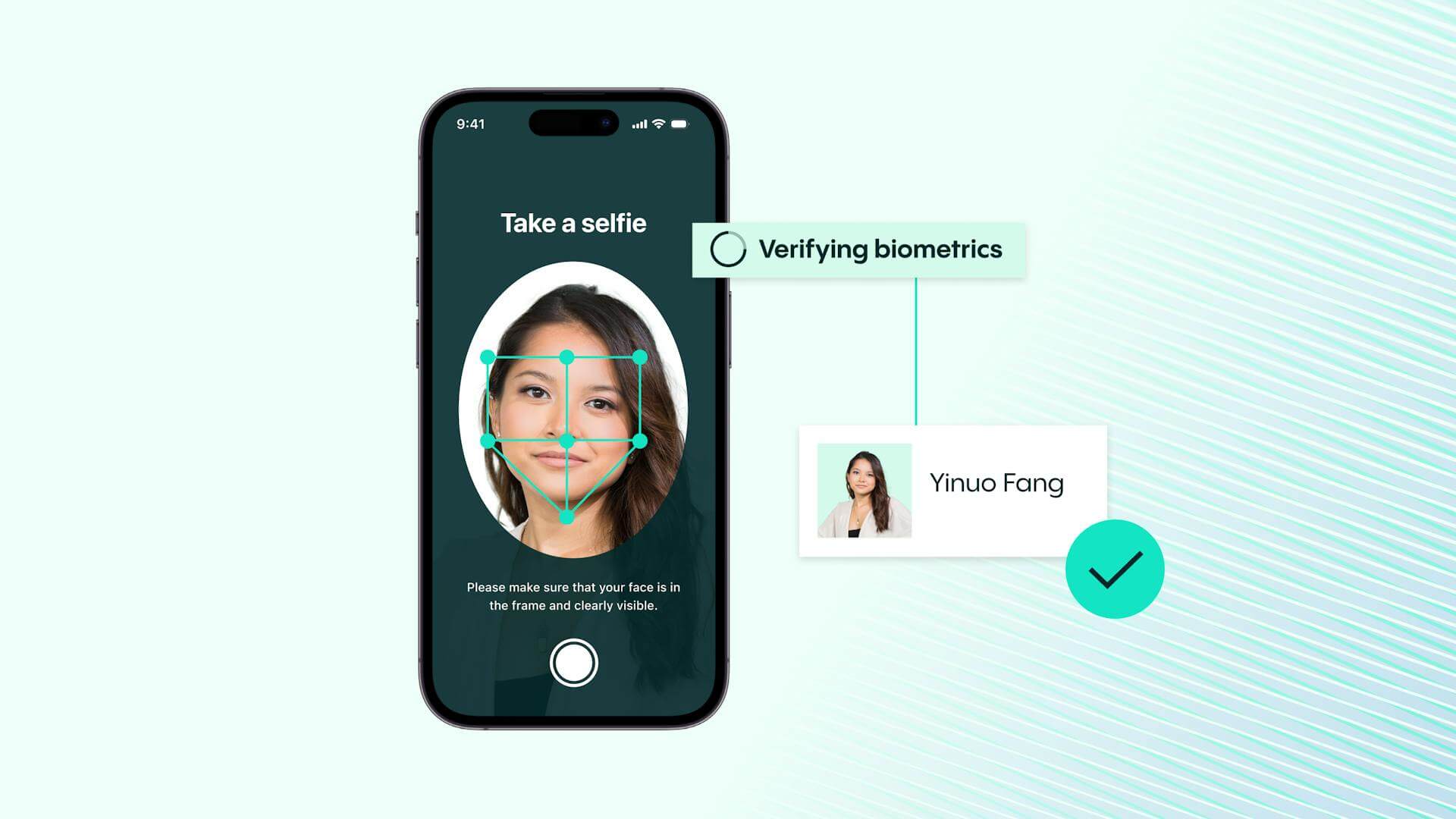
Always verify URLs and interfaces before executing trades. Phishing attacks remain a top threat. Bookmark the official MetaMask app and double-check you’re interacting with the real Hyperliquid protocol. Back up your Secret Recovery Phrase securely and never share it with anyone.
Manage your leverage judiciously. While the allure of high leverage is tempting, remember that even small market moves can trigger liquidation events. Use the built-in calculators provided by MetaMask’s help center to model potential outcomes before committing funds.
Fund your wallet adequately. Although Hyperliquid absorbs gas costs for trading, you still need enough USDC as margin collateral and a small buffer of ETH on Arbitrum for other wallet operations. For more on funding strategies, see this helpful guide from MEVX.
How Does This Stack Up Against Other Perpetual DEX Options?
The ability to trade perps in-wallet sets Hyperliquid apart from most perpetual DEXs, which typically require web-based dashboards or third-party aggregators. With direct integration into MetaMask, you get:
- Smoother trade execution: No external sign-ins or risky copy-pasting of wallet addresses
- Enhanced privacy: Fewer data leaks since everything stays within your self-custodied wallet environment
- Mobile-first design: Optimized for both desktop and mobile users, ideal for traders who demand flexibility
- No hidden fees: Transparent cost structure thanks to gasless transactions via Hyperliquid’s Layer 1 network
This leap forward means you no longer have to compromise between advanced derivatives tools and asset sovereignty. For those comparing platforms, it’s worth noting that not all perpetual DEXs offer this level of custody or user experience yet.
What’s Next? The Future of Self-Custody Perpetuals Trading
The integration of Hyperliquid into MetaMask signals a broader trend toward seamless, user-centric DeFi experiences where security isn’t sacrificed for convenience. As more protocols adopt similar models, expect further innovations around cross-chain support, advanced analytics, and even lower friction onboarding for new traders.
If you’re ready to try self-custody perpetuals trading, ensure your wallet is up-to-date and explore the full feature set now available directly within MetaMask. For ongoing updates on perpetual DEXs and synthetic perp stocks, keep an eye on PerpScout. com as we track every major development in this rapidly evolving space.



No comments yet. Be the first to share your thoughts!